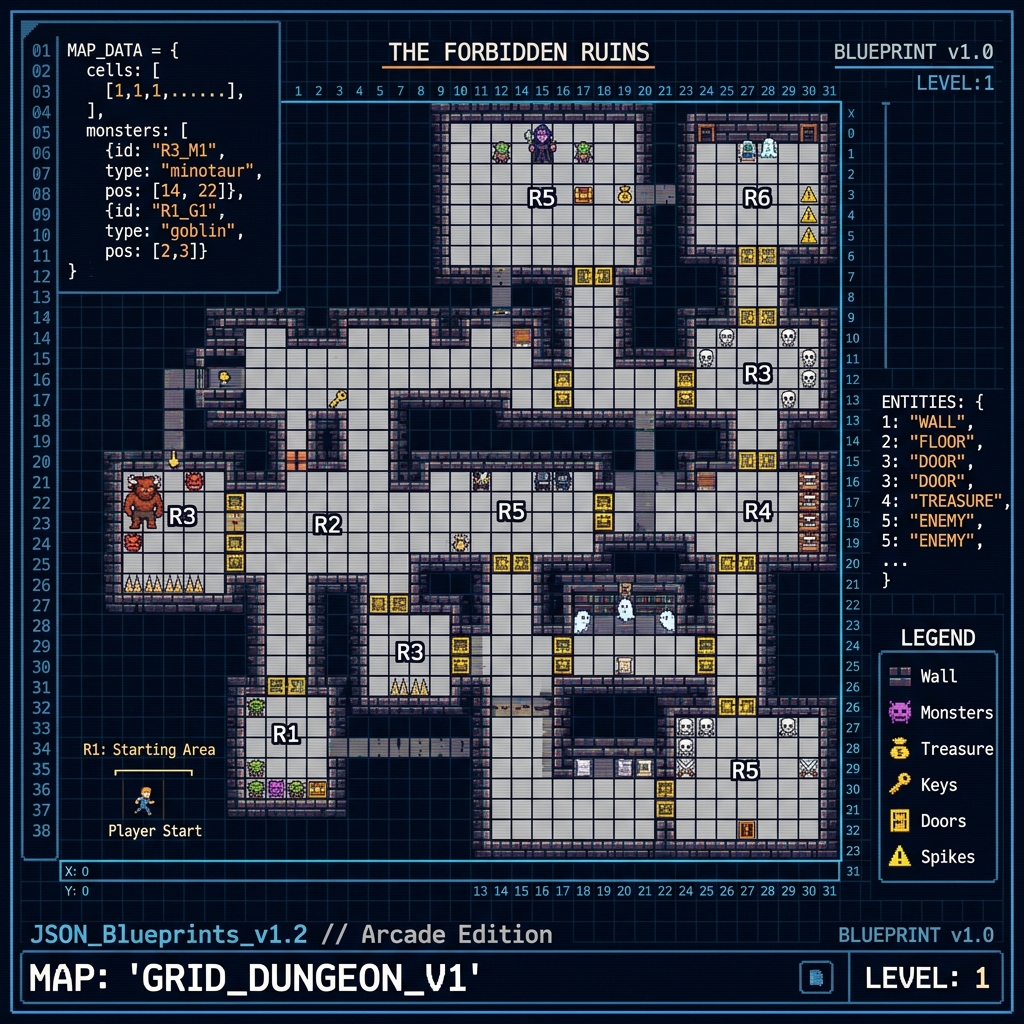
Generating game stages procedurally often leads to repetitive layouts. By combining your game's parser with structured JSON output from an LLM, you can create highly creative level design generators. Here is how to prompt AI to generate valid, play-tested game map configurations.
1. Define the Map Schema
Before prompting the AI, define a strict, compact JSON schema for your map tiles. This keeps parsing simple and prevents the model from generating random, unsupported object keys:
json
{
  "gridWidth": 16,
  "gridHeight": 9,
  "tiles": [0,0,1,1,0,0], // 0: empty, 1: block, 2: hazard
  "entities": [
    { "type": "player_start", "x": 1, "y": 2 },
    { "type": "enemy_patrol", "x": 8, "y": 5, "range": 3 },
    { "type": "goal", "x": 14, "y": 2 }
  ]
}
2. The Structured Prompt Hook
Use this system instruction to ensure the AI always outputs parseable JSON, keeps the level beatable, and avoids markdown wrapping comments:
text
You are a professional game level designer. Generate a map layout strictly adhering to the JSON schema provided.
CRITICAL RULES:
1. Return ONLY the raw JSON string inside a markdown code block. Do NOT write conversational explanations.
2. Ensure there is always a valid, unblocked path from the player_start to the goal tile.
3. Balance the map: do not group more than 3 hazards next to each other.